To ensure operation and activation, make sure any version you install on a new computer is a current supported one.
After installing on a new computer, you will need to activate your software when launching.


Choose Click Here to Activate or choose Activate Later if you are installing on behalf of another user or IT installing for a user. Activate Later on a new computer will allow you to continue setup and use for several days before activation is required by the Registered or Branch user. User should not share their activation information. A company owner or manager setting up a computer for a Branch license user does not need to set up or know the user’s activation password, since you may contact 3D to easily reassign the branch any time which automatically nullifies the password. A new assignee may create a new password.
When prompted, enter your Activation ID, generally the email address used to purchase the software, or your email as a Branch license.
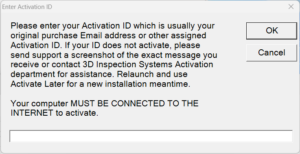
Choose OK, and next create a password, or enter your password if you previously activated.
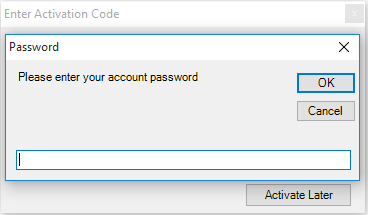
Record your password safely for use with future activations or Cloud3D Services. Do not share it with others since you are responsible for activations with your ID. Contact Activations if you need assistance due to a security issue or to halt or reassign a Branch license.
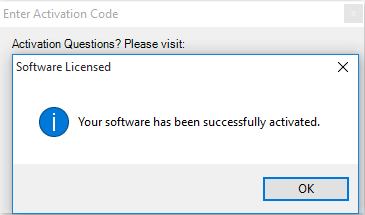
Click OK and your software is activated!